What Is a Crypto Wallet?
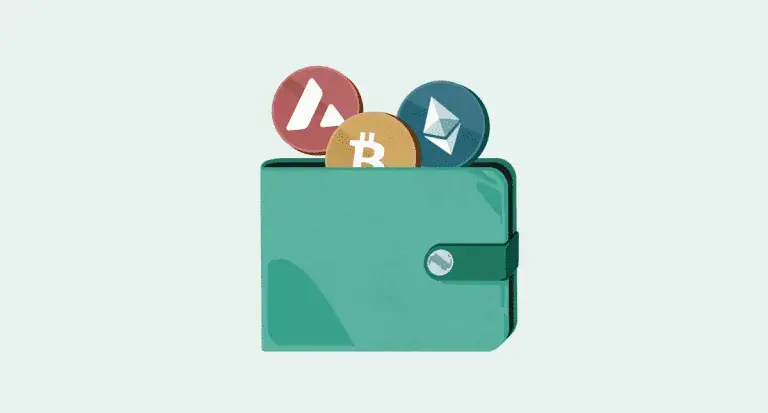
A crypto wallet is a device or application that lets you store, manage, and move digital assets like Bitcoin and Ethereum securely. Think of it as the digital equivalent of a physical wallet or bank card, it doesn't actually "hold" your coins so much as give you the keys needed to access and control them on the blockchain.
Every wallet is built around two core components: a public key (your wallet address, which others use to send you funds) and a private key (a secret code that proves ownership and authorizes transactions). In practice, your wallet functions as your identity on the blockchain, it's what gives you access to your transaction history and control over your funds.
What Are Crypto Wallets Used For?
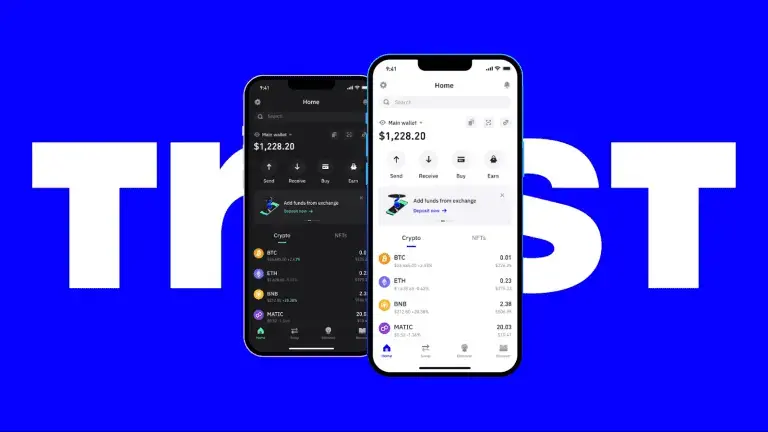
Sending or receiving any cryptocurrency requires a wallet. Exchanges like Binance provide you with a dedicated wallet address for holding assets, but interacting with decentralized platforms, DeFi protocols in particular typically requires a personal, self-custody wallet. A few reasons traders and investors rely on wallets:
- Security: encryption and advanced security features protect your funds from unauthorized access
- Convenience: send, receive, and store multiple assets from one place
- Accessibility: manage your holdings from any device, anywhere
- Control: non-custodial wallets make you the sole custodian of your funds
- Broader payment options: as crypto payments gain traction, a wallet opens up more ways to transact globally
- Platform access: wallets connect you to centralized exchanges, DEXs, NFT marketplaces, and blockchain gaming
Types of Crypto Wallets
Wallets fall into two broad categories: hot wallets (connected to the internet) and cold wallets (kept offline). The distinction matters a lot for security and convenience trade-offs.
Hot Wallets
Hot wallets stay connected to the internet, giving you fast, easy access to your funds from anywhere, their biggest advantage is convenience, since your keys aren't tied to one specific device.
Software wallets fall into a few subcategories:
- Desktop wallets: installed on Windows or macOS, giving full control over private keys. Exodus and Electrum are two well-regarded options.
- Mobile wallets: installed on Android or iOS for on-the-go access. Trust Wallet and MetaMask are among the most popular.
- Web wallets: accessed through a browser. Because they interact directly with online servers, they carry more exposure to hacking risk than other wallet types. MyEtherWallet and Blockchain.com are common examples.
Hot wallet pros: internet connectivity, easy access, straightforward recovery via seed phrase or private key.
Hot wallet cons: weaker security than cold storage, more exposed to certain attack vectors.
Cold Wallets
Cold wallets keep private keys entirely offline, making them significantly harder to compromise.
- Hardware wallets: physical devices, often USB-shaped, purpose-built for offline key storage. Ledger and Trezor are the two biggest names in this space.
- Paper wallets: a public/private key pair generated and printed (or engraved) onto a physical medium, often as a QR code. They're offline by design but require careful physical safekeeping.
Cold wallet pros: stronger security through offline storage; many hardware wallets also integrate hot-wallet functionality.
Cold wallet cons: slower transaction/withdrawal times on average; recovery is impossible without a backed-up seed phrase.
How Does a Crypto Wallet Actually Work?
A wallet, software or hardware manages the public and private keys needed to access and transact with your assets. Here's the general flow:
Key generation: Sending crypto means transferring ownership to a new address on the blockchain. This requires a public key (the wallet address others send to) and a private key (the secret code only you should ever hold).
Key storage: Wallets store private keys either on your device or a secured server. Never share your private key. Anyone with access to it can control the associated funds.
Transactions: Every transaction requires a digital signature generated with your private key, which proves the transaction is legitimate and that you actually own the wallet.
Blockchain interaction: Wallets communicate with blockchain networks to confirm transactions, update balances, and record transaction history.
Security measures: Wallets use two-factor authentication (2FA), biometric verification, and for hardware wallets dedicated security chips to prevent unauthorized access.
How to Set Up and Use a Crypto Wallet
Setting Up a Hot Wallet
- Download the wallet from an official source only; Verify you're on the correct website for web wallets, and use official app stores for mobile/desktop wallets.
- Set up your account and security: Non-custodial wallets generate a 12-24 word recovery phrase, write it down and store it offline, somewhere only you can access. Enable 2FA and biometric authentication if available. Custodial wallets take a bit longer to set up and usually require KYC verification.
- Deposit funds: Non-custodial wallets generally don't support direct fiat purchases, you'll typically transfer crypto in from an exchange like Binance. Custodial wallets often allow direct fiat-to-crypto purchases.
Setting Up a Cold Wallet
- Buy from a reputable retailer to avoid tampered devices, and check that packaging is intact and unopened.
- Install the official companion software from the manufacturer's website.
- Transfer funds in from an exchange or hot wallet.
Trust Wallet
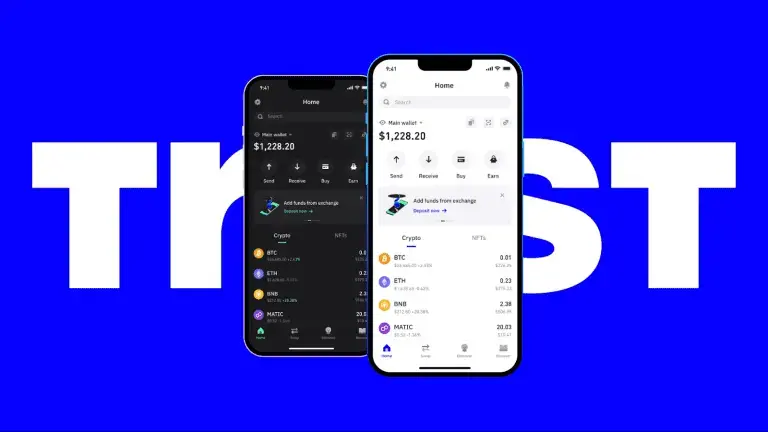
Acquired by Binance in 2018, Trust Wallet remains non-custodial and doesn't require a Binance account. It supports over 100 blockchains and includes a built-in Web3 browser for direct access to dApps, NFTs, and blockchain games.
Pros: broad token support, simple interface, built-in Web3 browser
Cons: ties to the Binance ecosystem
MetaMask
One of the most widely used Ethereum wallets, with over 30 million monthly active users. Beyond Ethereum, MetaMask supports networks like BNB Smart Chain, Polygon, Avalanche, and Arbitrum, and connects easily to NFT marketplaces like OpenSea. Available as a browser extension (Chrome, Edge, Firefox, Brave) and as a mobile app.
Pros: clean interface across app and extension, dApp connectivity, advanced settings for experienced users
Cons: no native Bitcoin support on mainnet
SafePal
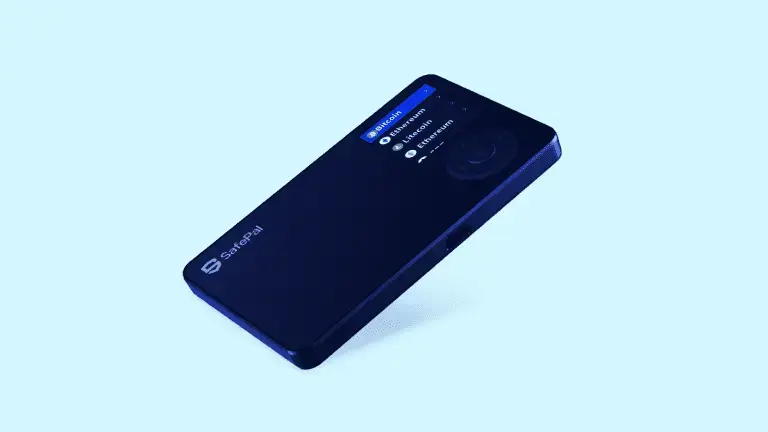
SafePal offers both software (Android, iOS, browser extension) and hardware wallets (X1 and S1 models). The software version supports in-app swaps through centralized and decentralized exchanges, staking, and dApp connectivity, while its hardware models are competitively priced against other brands.
Pros: simple interface, support for 10,000+ tokens across multiple networks, built-in swap and staking features
Cons: KYC required for certain Binance-linked services
Atomic Wallet
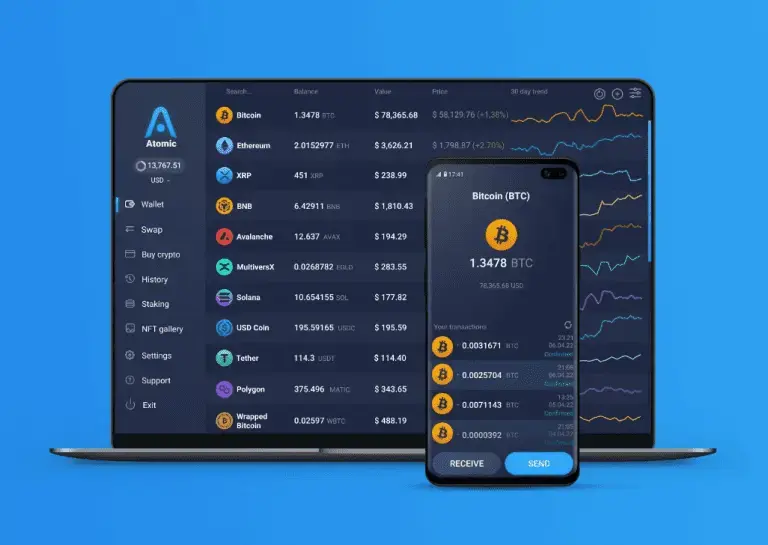
Atomic Wallet uses Atomic Swaps to let users exchange between different cryptocurrencies directly, without a centralized intermediary. It supports over 1,000 coins and tokens, including Bitcoin, Ethereum, and Litecoin. Available on Android, iOS, Windows, and macOS, no browser extension.
Pros: support for 1,000+ assets, built-in in-wallet swaps
Cons: no hardware wallet integration, no browser extension
Ledger
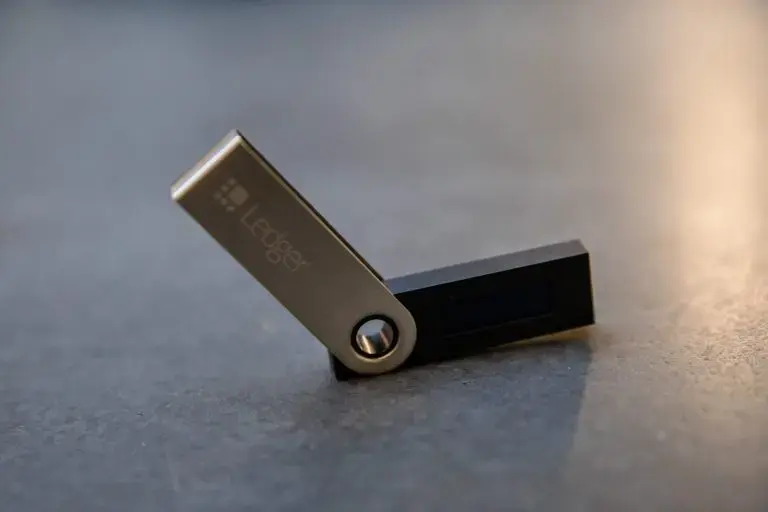
One of the best-known hardware wallet brands, built around a "Secure Element" chip, the same technology used in passports and payment cards. The original Nano S (2016) was succeeded by the Nano S Plus in 2022, with an improved screen, more storage, and USB-C support. The Nano X is another popular model.
Pros: supports 5,000+ assets, connects to Android, iOS, Windows, and macOS, compatible with other hardware wallets
Cons: premium pricing; closed-source firmware
Trezor
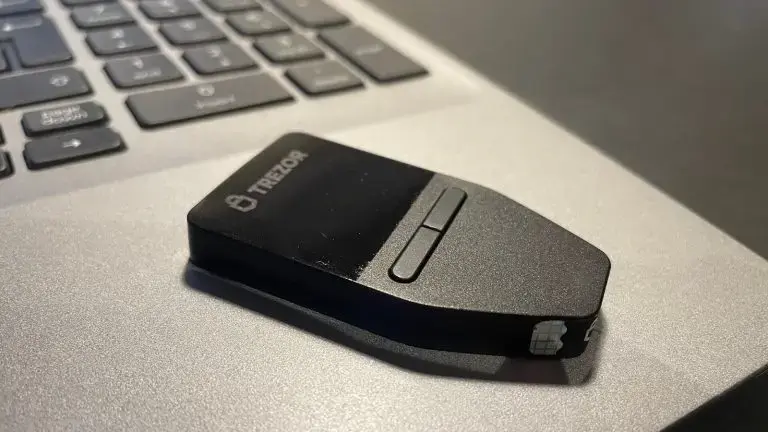
One of the earliest Bitcoin hardware wallets on the market, Trezor is known for strong security and broad asset support across its T, Safe 3, and One models.
Pros: intuitive graphical interface, supports 9,000+ assets
Cons: pricier than comparable hardware wallets; no iOS support
KeepKey
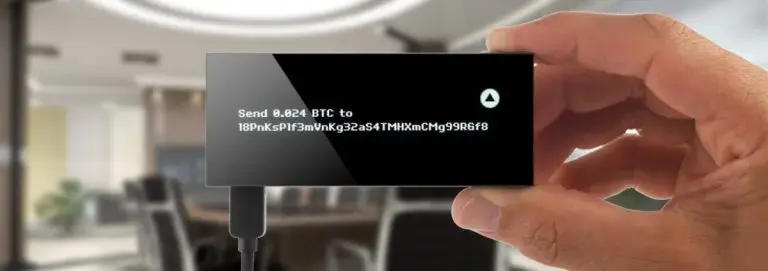
KeepKey ships in a single model but remains a solid hardware option, storing private keys in an isolated offline environment to guard against malware and hacking. It supports Bitcoin, Ethereum, Bitcoin Cash, Litecoin, and Dogecoin, among others.
Pros: competitive pricing, supports 7,000+ assets
Cons: no Android or iOS support
How to Choose the Right Crypto Wallet
Security should be the top priority, look for biometric and multi-step authentication, multi-signature support, open-source code, and strong transaction protocols.
Features matter too: broader asset support, live charting, and staking or lending capabilities all add real value.
Cost varies by type; hardware wallets carry an upfront purchase cost, while software wallets are free to set up (though both incur network fees per transaction).
Supported assets; a good rule of thumb is choosing a wallet that supports several major altcoins (Ethereum, Cardano, Solana, etc.); wallets with large user bases tend to be multi-chain by default.
Interface; a clean, accessible UI and compatibility with your preferred devices and operating systems go a long way toward day-to-day usability.
Final Thoughts
A crypto wallet is essential infrastructure for managing digital assets, not a container for coins themselves, but the key set that lets you access and control what's already recorded on the blockchain. Whether you go with software, hardware, or a hybrid, the right wallet gives you a secure, practical way to send, receive, and hold your funds while staying in control of your own keys.
FAQ
What's the best crypto wallet? Trust Wallet, MetaMask, and Ledger are among the most widely used and trusted options, though the "best" choice depends on your specific needs.
What's the most secure crypto wallet? Hardware wallets like Ledger and Trezor generally offer stronger security than software wallets, since they keep private keys fully offline.
Does setting up a crypto wallet cost money? Software wallets are free to set up. Hardware wallets require purchasing a physical device.
How much do hardware wallets cost? Prices generally range from around $50 to $280 depending on features.
What if I lose my wallet app from my phone? Reinstall the app on the same or a different device, then restore access using your previously saved recovery phrase.
How do I receive crypto in my wallet? Find your public address under the "Receive" section and share it with the sender. To fund it yourself, buy the asset on an exchange like Binance and withdraw it to your wallet's public address.
How do I send crypto from my wallet? Get the recipient's address and use the "Send" function to transfer the amount. Note that sending crypto requires a network fee, paid in the native token of the blockchain the transaction runs on; For example, sending USDT on the Tron network requires a small amount of TRX for gas.